

- BrandJCB
- Article701/D9775
- Machine systemCab
- Part typeControl lever button
- Machine brandJCB
- Manufacturing typeAftermarket
- All the features
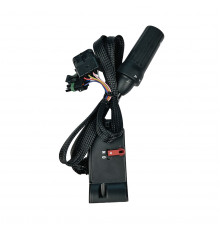
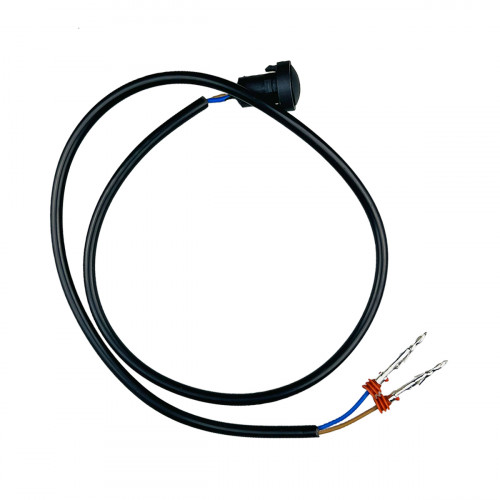
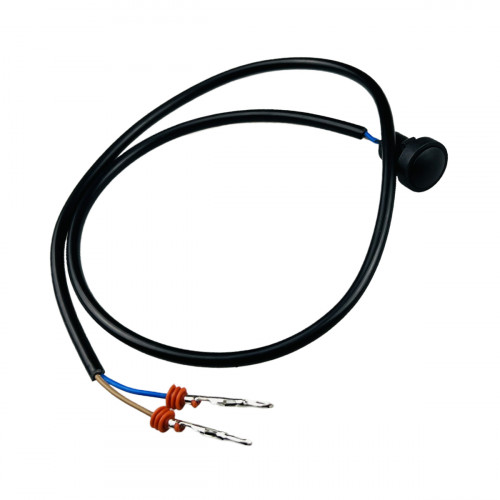
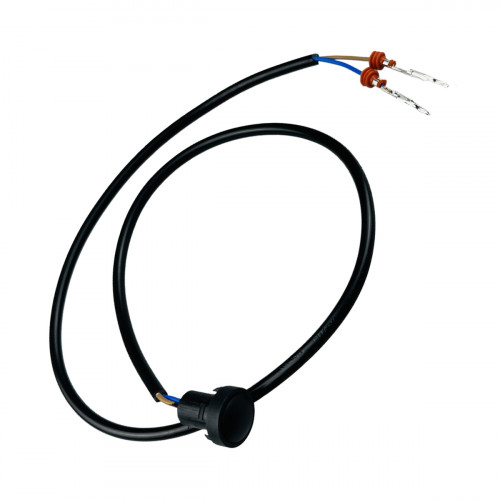
For the JCB machines: control lever microswitch button 701/42600, an aftermarket part. The card also lists 701/D9775.
To replace the button, remove the handle, draw the old button's wire out and feed the new one along the same path. Connect the wire ends to the joint below the lever with a connector or terminals. The seal around the button keeps dust and moisture out of the microswitch, so renew it if worn. If the transmission dump button stays engaged, the machine loses drive while loading, so check that the button springs back when released. The button must sit firmly in its handle recess, since a loose button can turn and tear its wire. If the wire ends are swapped, the button will not work.
Specifications
| Part number | 701/42600 |
| Cross / alternative numbers | 701/D9775 |
| Production type | Aftermarket |
| Part type | Control lever button |
| System / group | Cab |
| Machine make | JCB |
Compatibility
The catalogue also has the genuine version of this part. Other parts are in Switches.
Fitting
Switch off the ignition before the change. Remove the switch from the panel by pressing the clips at the back or gently lifting its bezel, and unplug the connector without pulling the wires. Push the new switch fully onto the connector and press it into the panel until the clips lock. After the change, check every position of the switch and the related function.
Specifications
- Machine systemCab
- Part typeControl lever button
- Machine brandJCB
- Manufacturing typeAftermarket
No questions about this product.